Turn Cursor Into a Video Studio (Yes, Really)
Cursor is where you build the product. Add one block to your config and it's also where you make the launch video, the demo, and the ad, without ever leaving the editor.
You ship in Cursor. Then comes the part builders dread: the thing works, but nobody has seen it, and making a launch video means a different app, a freelancer, and a few days you don't have. Connect Compledio over MCP and the editor you built in becomes the editor you launch from.
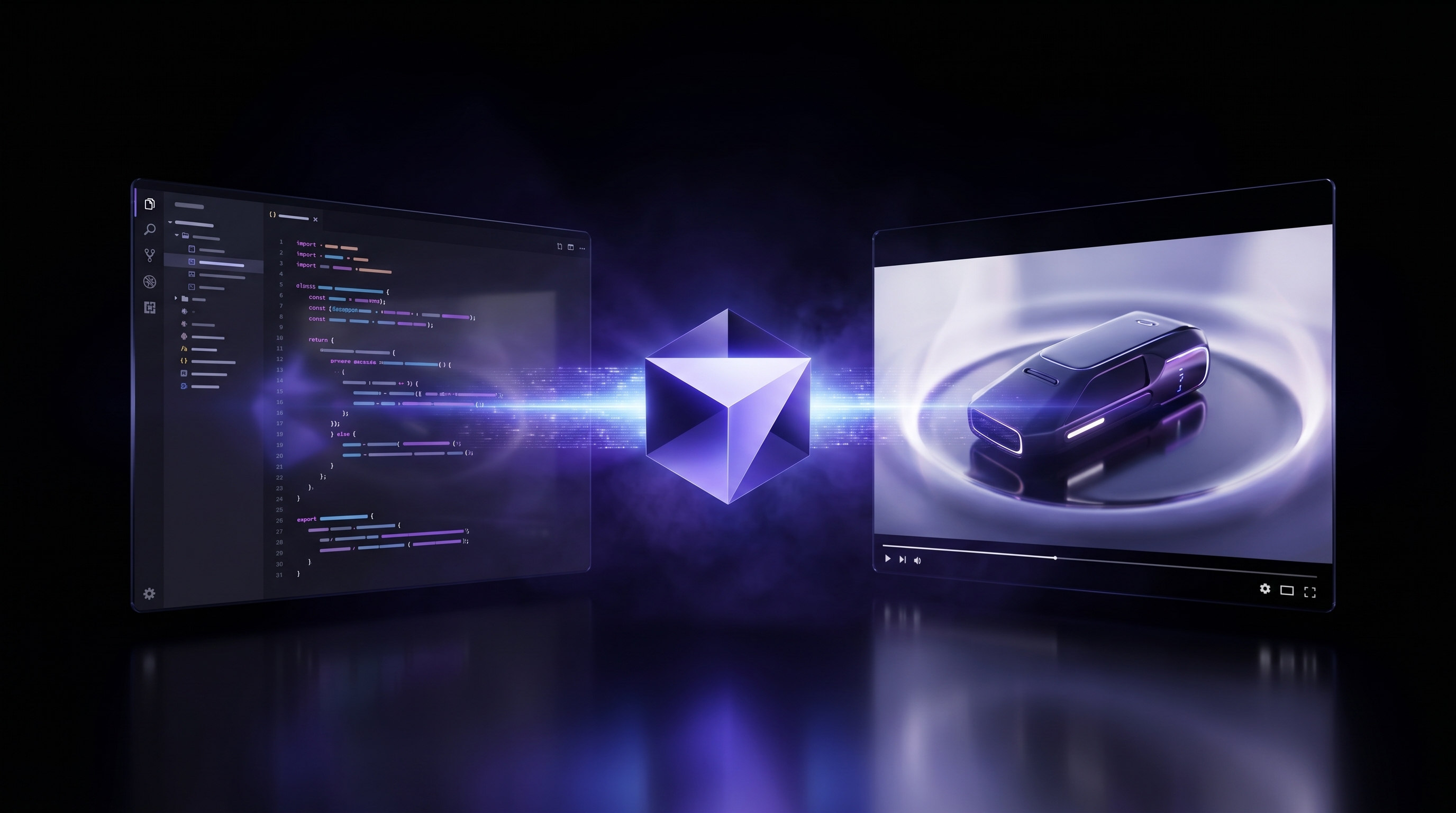
From shipped to seen
Write a short script or point it at a voiceover and Cursor produces the video: a launch video for the feature you just merged, a landing-page hero clip instead of buying stock, or a demo walkthrough with visuals that follow the narration. Same chat panel you already use, no context switch out to a video tool.
Add it to your config
Open ~/.cursor/mcp.json:
{
  "mcpServers": {
    "compledio": { "url": "https://mcp.compledio.com/api/mcp" }
  }
}
Cursor opens the sign-in for you automatically. Approve once, no API key to manage, and it runs against your existing Compledio credits. Then ask in the chat panel:
> turn assets/episode.mp3 into a video with B-roll
It creates the project, uploads, runs the pipeline, and tracks it to completion while you keep coding. Need a thumbnail or hero shot? The Studio tools handle one-offs: generate a 16:9 hero image of a glowing circuit board, cinematic lighting.
Cursor's whole pitch is staying in flow, and marketing the thing you built used to be the biggest jump out of it. Now "I need a launch video" is one sentence. More on why MCP makes this work in our MCP guide.