









Every word becomessomething to look at.

Upload a recording of any length. Compledio finds the moments that need visuals, generates new footage for them, and hands back the finished video.

Start free

2,000 one-time credits, about 114 seconds of footage. No card needed.

GeneratedRecordingVoice
00:00:00:00Sample episode made for this page. The host and every shot are generated.
  • “Compledio is much better than any other tool I’ve used.”
    Video editing agency
  • “Compledio is now a regular part of our editing pipeline.”
    Video editor
  • “It’s in a league of its own. Nothing else comes close.”
    Film producer

What happens to your recording.

Four steps. It stops after planning, so you can change anything before any video is made.

  1. Upload the recording

    Audio or video, any length. It writes down every word.

    Drop your recording here

    endurance-story.mp4

  2. It finds the moments

    It reads the whole recording and pulls out every moment a viewer should see, each at its spot on the timeline.

    Your recording5 moments found
    Editor
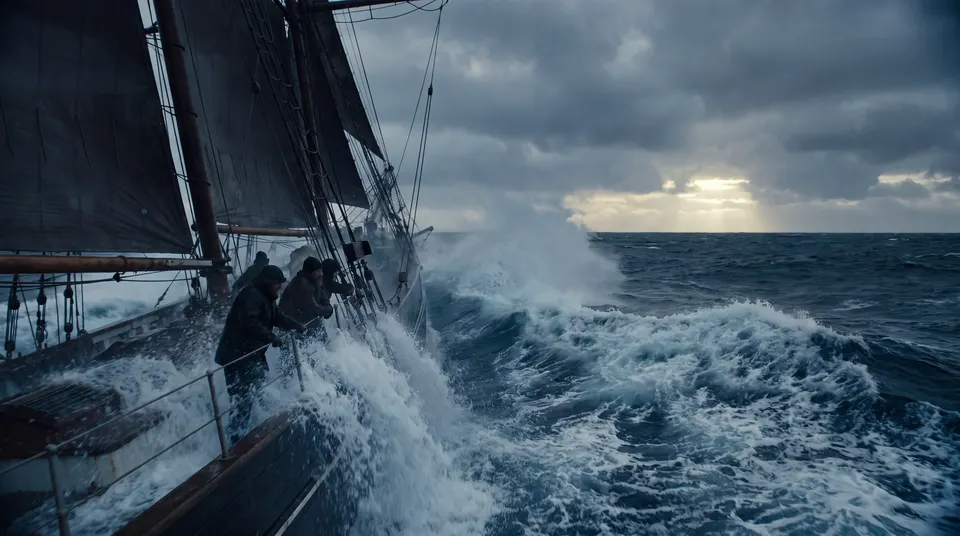
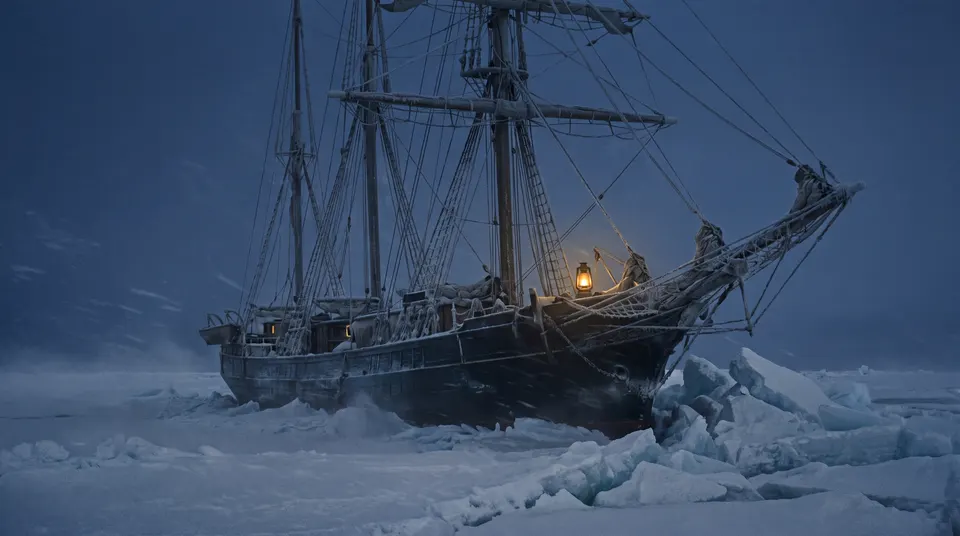
    Found moment: Ship in heavy swell1
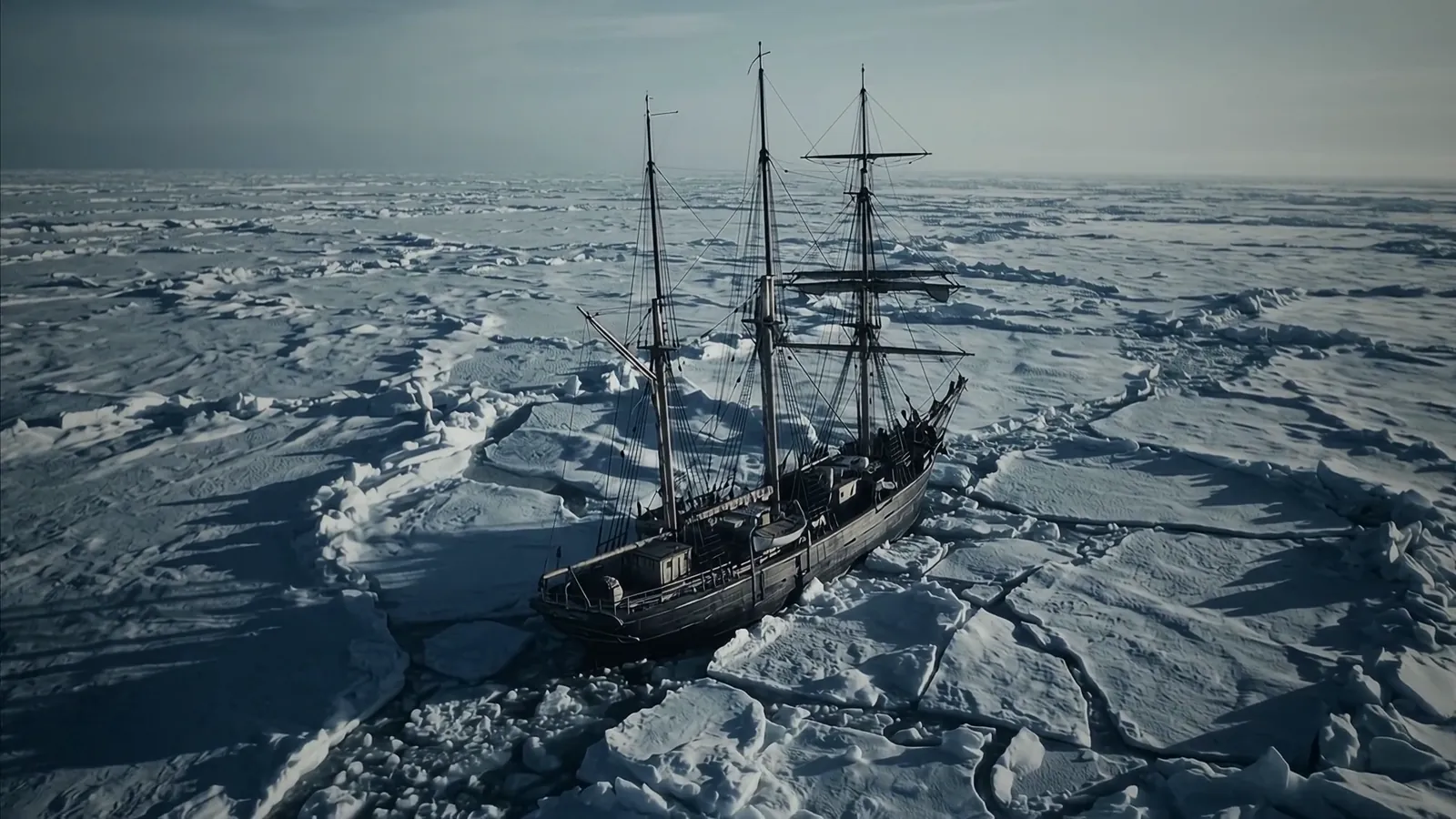
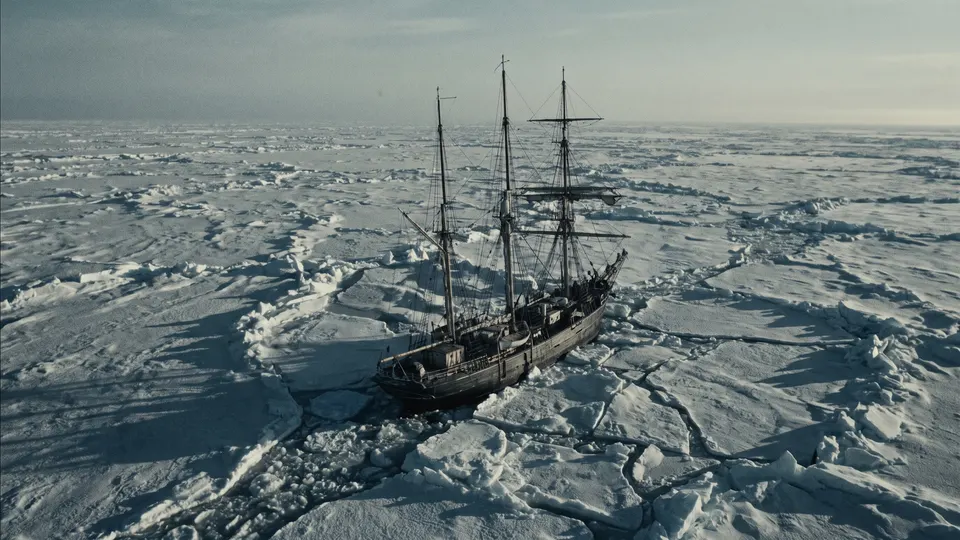
    Found moment: Ship frozen in pack ice2
    Found moment: Locked in at night3
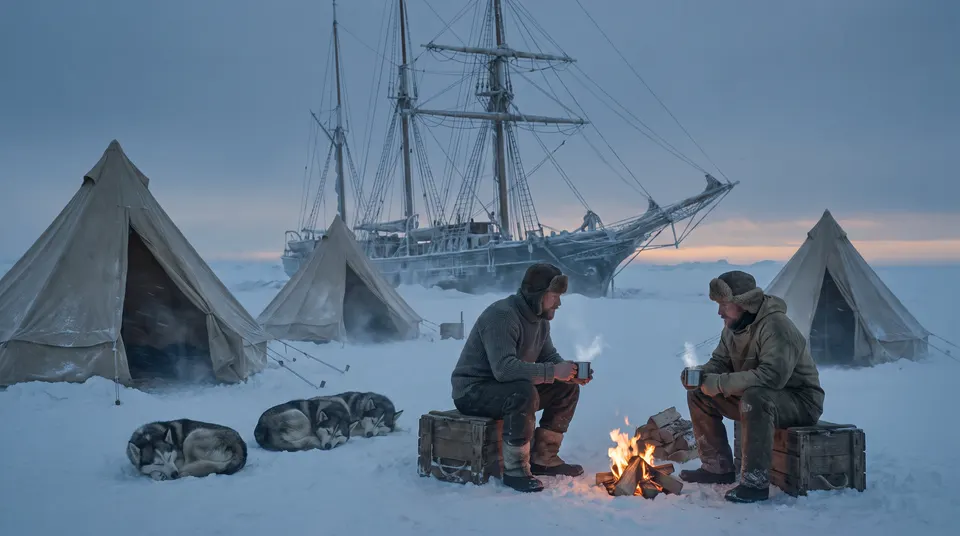
    Found moment: Camp on the ice4
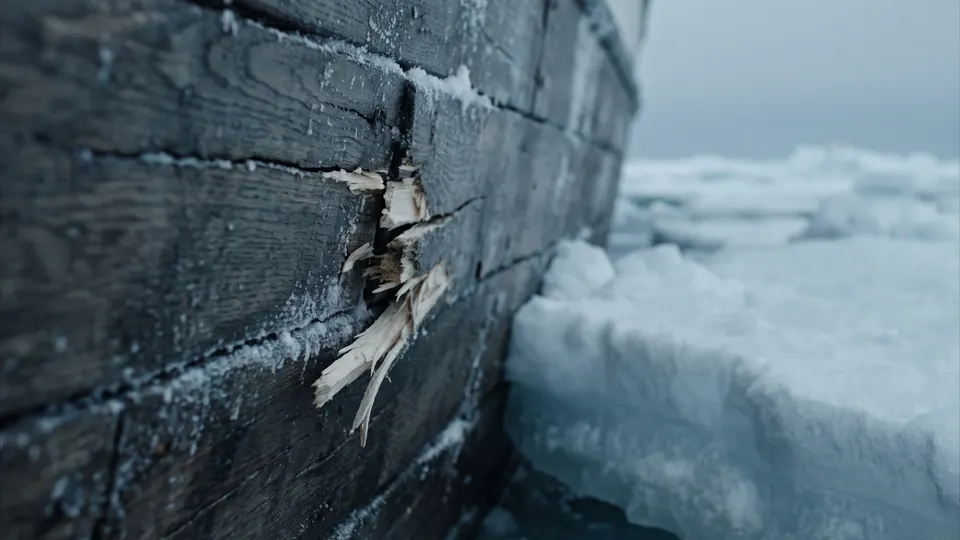
    Found moment: Hull splitting under ice5
  3. Each picture comes from your words

    Every storyboard frame is drawn from what you said at that moment. Change any of them before a single shot is made.

    What was said

    In 1914, twenty-eight men sailed south for Antarctica. A few weeks in, the sea froze solid around their ship, and it never let go of them. They lived on the ice for months, watching it slowly crush the ship to pieces, and somehow every single one of them made it home.

    Storyboard frame: Ship in heavy swellStoryboard frame 1
    Ship in heavy swell
  4. It makes the shots and cuts them in

    Every frame becomes a moving shot, placed on the words that asked for it.

    Ship in heavy swellGenerated
    Ship frozen in pack iceGenerated
    Locked in at nightGenerated
    Camp on the iceGenerated
    Hull splitting under iceGenerated

You still make the calls.

The footage is generated, the decisions are yours. You see every shot before it goes into your video.

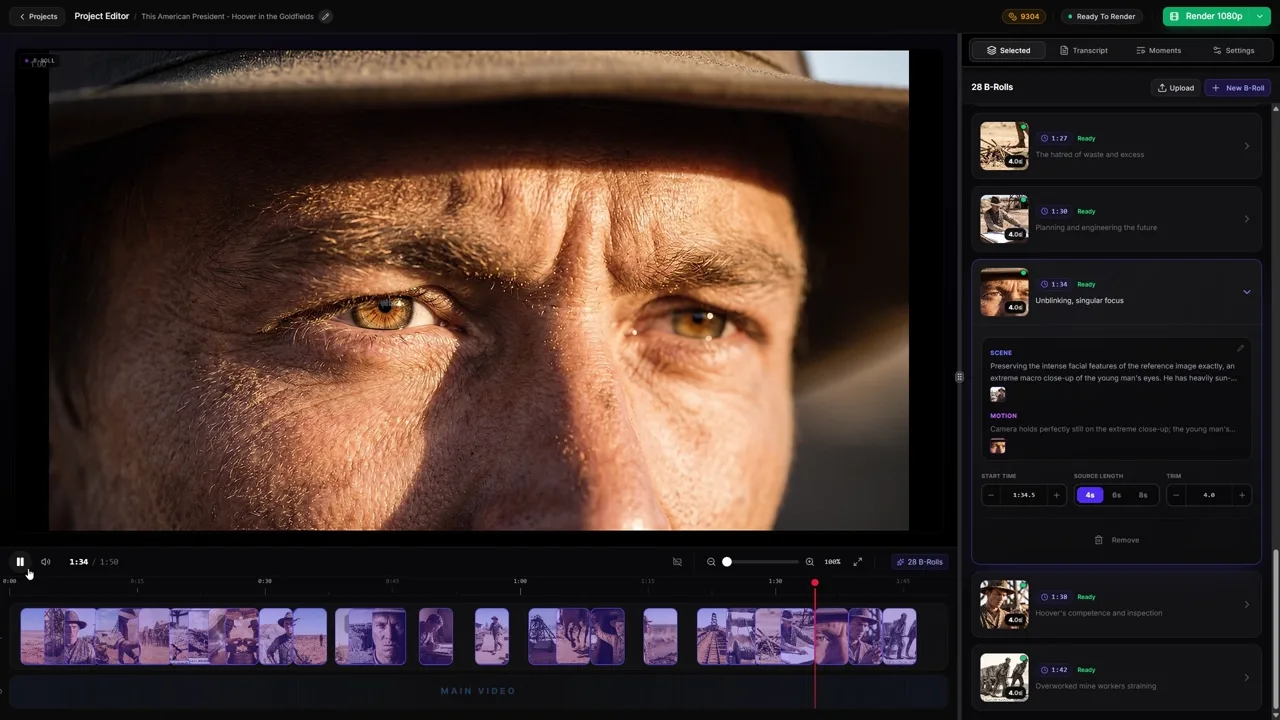
The Compledio editor: a timeline with generated shots placed over a real project
No video is made until you approve the plan
Compledio stops after it plans the footage. Keep a moment, drop it, or rewrite what it should show.
Redo one shot, keep the rest
Edit the prompt for a single shot and generate it again. Everything else on the timeline stays put.
A real timeline
Drag, trim and swap shots over your recording, then export the finished video.

Pick a look. Every shot follows it.

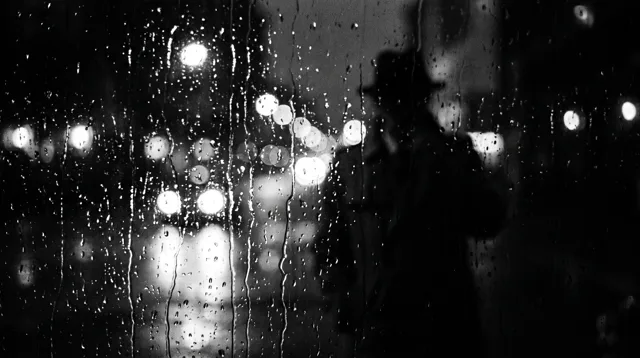
Claymation, pixel art, film noir, or your own face in every scene. One line sets the style for the whole video. Every shot below was generated by Compledio.

You write this

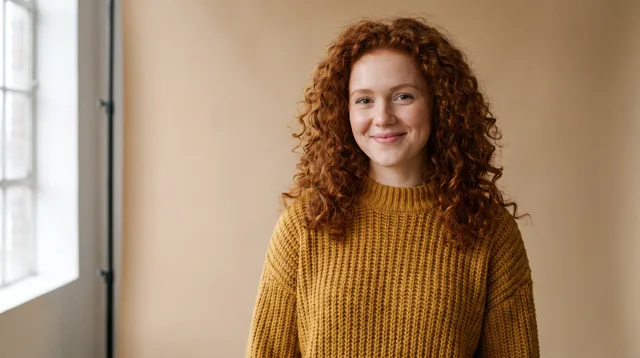
Your reference

Use Image 1 as the main character in every scene. Same face, same hair, same outfit throughout the video.

You get this

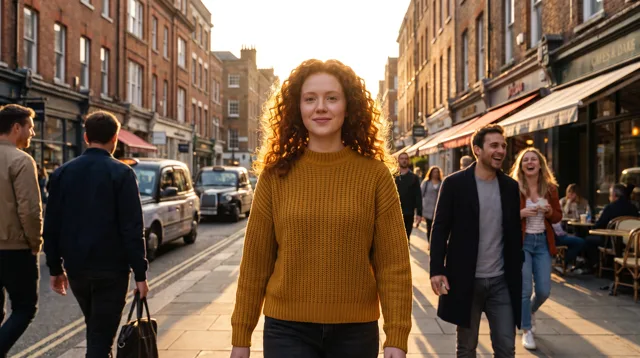
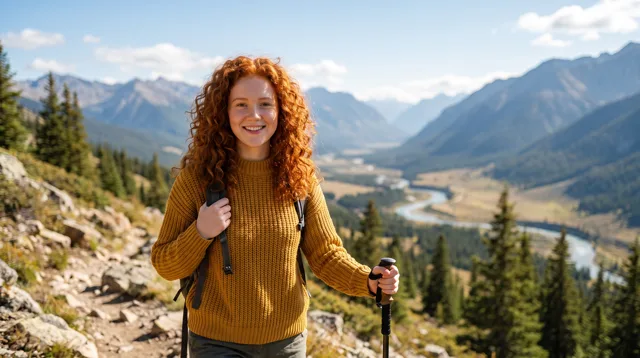
Same person in every scene
The same character working on a laptop in a cafeThe same character walking through a city streetThe same character hiking a mountain trail

2,000 one-time credits, about 114 seconds of footage. No card needed.

One episode. A week of clips.

Compledio finds the moments a stranger would watch to the end and cuts them into vertical clips. Each one cuts from your face to generated footage and back.

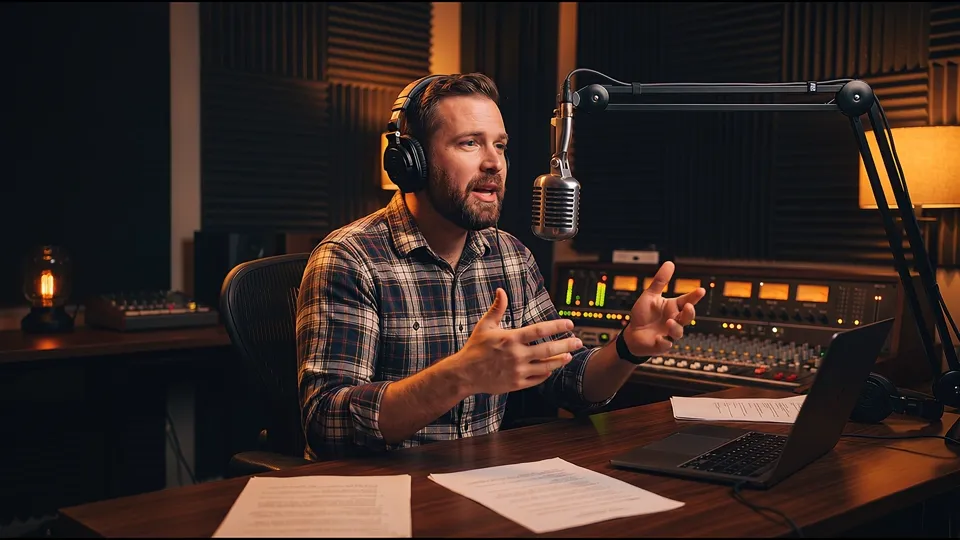
A podcaster recording a long-form episode in a warm studioYour episode, 58 minutes

The three moments it ranked highest:

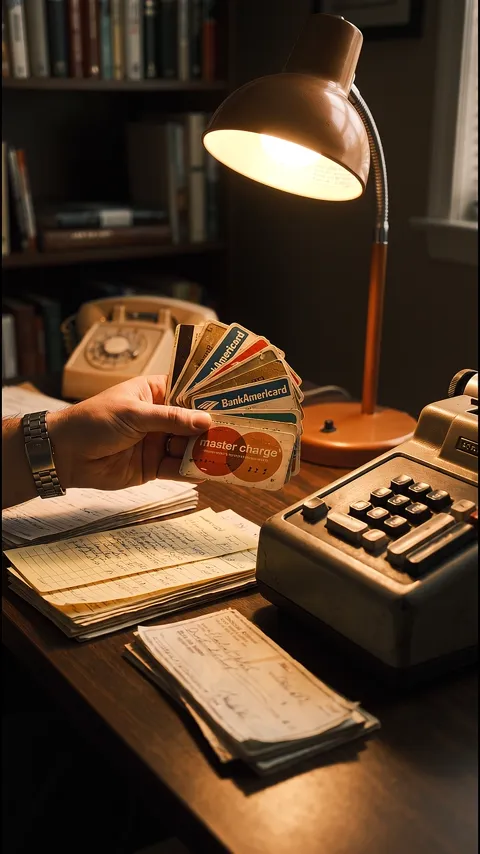
Vertical clip: the host talking, then generated footage of worn 1970s credit cards under a desk lamp0:41
“we maxed out the cards”
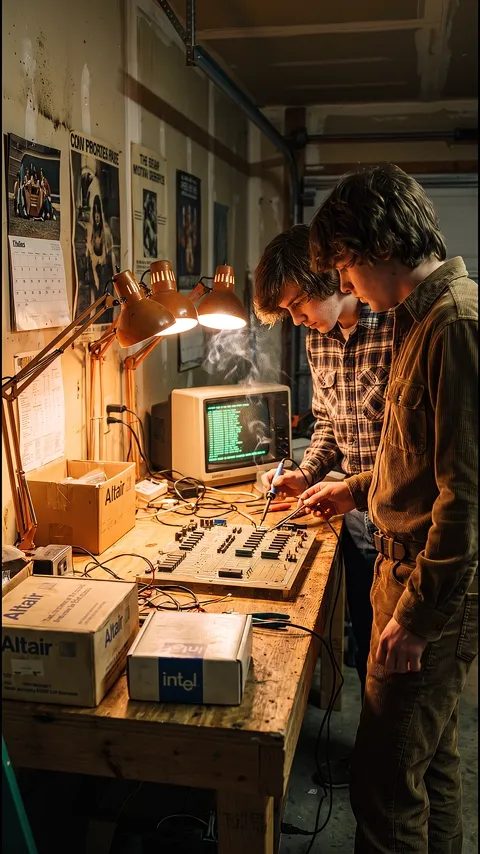
Vertical clip: the host talking, then generated footage of two founders in a 1970s garage0:34
“started in my dad’s garage”
Vertical clip: the host laughing, then generated footage of a homemade computer booting up0:28
“the prototype came to life”

2,000 one-time credits, about 114 seconds of footage. No card needed.

Six minutes, not six hours.

The same video, made two ways.

By hand

6 to 10 hours

plus $200 to $500 in editors and stock

  1. Hunt stock libraries for usable clips2 hr
  2. Download, organize and rename files45 min
  3. Cut and sync each clip to the voice2 hr
  4. Adjust timing, clip by clip1.5 hr
  5. Check usage rights per clip30 min
  6. Re-render and export, again40 min

With Compledio

About 6 minutes

Plans from $20 a month

From the finished sample episode: camp on the iceFinished video
  • Upload 1 min
  • Review the plan 3 min
  • Export 2 min

2,000 one-time credits, about 114 seconds of footage. No card needed.

If you talk for a living, it fits.

Your show or a client's, a lesson or a vlog. Spoken words go in, and footage made for those words comes out.

What you have

episode-042.mp3

58 minutes, audio only

A 58-minute audio episode

What you get back

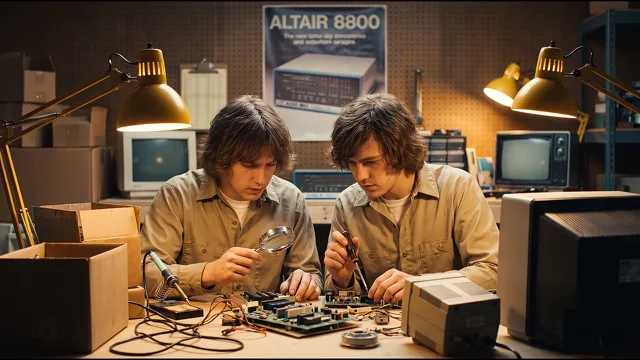
Documentary scene of two founders building a computer in a 1970s garage
“we started out in my dad's garage”
Generated by Compledio
Generated footage
Footage for the stories you tell, timed to your words
Your episode is already the script. Every story you tell gets footage made for it. No stock library has these shots.

Your footage stays yours. We never train models on your content, and everything is encrypted in transit and at rest.

Works where you already edit.

Pull the footage into Premiere Pro, or let your AI assistant run Compledio for you. Both use the same account and credits.

Premiere Pro panel

Generated clips land on a track above your recording at the exact timestamps, sorted into their own project bin. Your edit stays in Premiere.

Get it on Adobe Exchange

Your AI assistant

Connect Claude, Codex, Cursor or another assistant once. Then ask it to turn a recording into a finished video, or to make a single image or clip.

See how to connect your assistant

Fastest way

Paste this prompt into Claude, Cursor, or any agent and it connects itself.

or

Add it manually

Terminal
$ claude mcp add --transport http compledio https://mcp.compledio.com/api/mcp

Then run /mcp inside Claude Code to sign in.

One-click sign-in, no API keys to copyWorks in Claude, Cursor, and any MCP-compatible client

Footage made for your story, placed for you.

Compledio analyzes your audio, generates matching footage, and places it on your timeline. Every plan includes the full editor.

Prices in USD. Cancel future renewals anytime.

Starter

$20/mo

Billed monthly

A starting point for occasional edits.

2,000 credits per month

38 shots

114 seconds of generated footage

3-second shots, up to 1080p.

  • Finds the moments and makes the footage
  • 10 projects per month
  • 1080p export

Cancel future renewals anytime

Creator

$40/mo

Billed monthly

More footage. More room for projects.

4,000 credits per month

76 shots

228 seconds of generated footage

3-second shots, up to 1080p.

  • Finds the moments and makes the footage
  • 20 projects per month
  • 1440p export

Cancel future renewals anytime

Pro

$100/mo

Billed monthly

Our largest allowance, with 4K export.

12,000 credits per month

230 shots

690 seconds of generated footage

3-second shots, up to 4K.

  • Finds the moments and makes the footage
  • 100 projects per month
  • 4K export

Cancel future renewals anytime

* Shot estimates include 3s at 720p and a storyboard image. Credit usage varies by duration, resolution and use of other tools.

Included in every plan

Automatic B-roll placementStudio editorPremiere Pro pluginAI agent integration

Run out mid-project?

Top-ups start at $10 on paid plans, at 100 credits per $1. Nothing is charged automatically.

Before you pick

How many credits does one video need?

A 10-minute recording with a 3-second shot about every 20 seconds is 30 shots, about 1,560 credits at 720p. More shots, longer shots or a higher resolution cost more.

What do the shot numbers include?

Each example uses your full allowance for 3-second shots at 720p, including one storyboard image per shot. Each costs 52 credits. Select these settings when generating. Longer shots, higher resolution, regenerations and other Studio tools use the same balance, so your total will vary.

Are projects and credits the same thing?

No. Your project limit is how many videos you can start each month. Credits pay for generation within those projects. The project limit does not mean every project has enough credits for all the footage you want. Re-exporting an existing project does not use another project.

How does yearly billing work?

You pay for the full year upfront and save 20%. All twelve months of credits arrive at once. The yearly shot examples show that full allowance; your project limit still applies each month.

What happens when I run out of credits?

Nothing is charged automatically. Paid plans can add credits at 100 per $1, starting at $10, or wait for the next renewal. Free accounts need a paid plan to buy top-ups.

Do free credits refill?

No. The 2,000 signup credits are a one-time grant. You can try the Studio editor and export at 720p. A paid plan adds a recurring credit allowance and higher export resolutions.

Can I change or cancel my plan?

You can upgrade, downgrade or cancel from your account settings. Credits already granted stay in your balance. Cancelling stops future renewals; it does not mean an automatic refund of your current payment.

Agency and enterprise

Need more volume or a plan for your team? Talk to us about a custom plan.

Contact us
A generated shot from the sample film: a ship frozen in pack ice, seen from above

Your next recording, finished.

Upload it and see every moment Compledio would put footage on, before any video is generated.

Start free

2,000 one-time credits, about 114 seconds of footage. No card needed.